

Note: This page displays the complete Premium Piano LED catalog (Virtuoso subscription). Your purchase already includes 50 songs from this catalog. No subscription is required to get started — import your own MIDI files for free. Subscribe later to unlock the rest.
Music Library
500+
Preloaded songs. Total freedom.
From classic masterpieces to modern hits, your LED piano comes with thousands of preloaded songs, ready to play from day one. UPDATED EVERY MONTH

A library tailored to your needs
Pop/Rock
Iconic hits by artists such as the Beatles, Coldplay, Adele, and many others. Modern tunes that everyone knows, perfect for casual playing or for impressing your friends and family.

A library tailored to your needs
Soundtracks from movies and TV shows
Relive the magic of timeless classics like Harry Potter, Pirates of the Caribbean, and Star Wars. Play the unforgettable melodies from the big screen and your favorite TV shows.
A library tailored to your needs
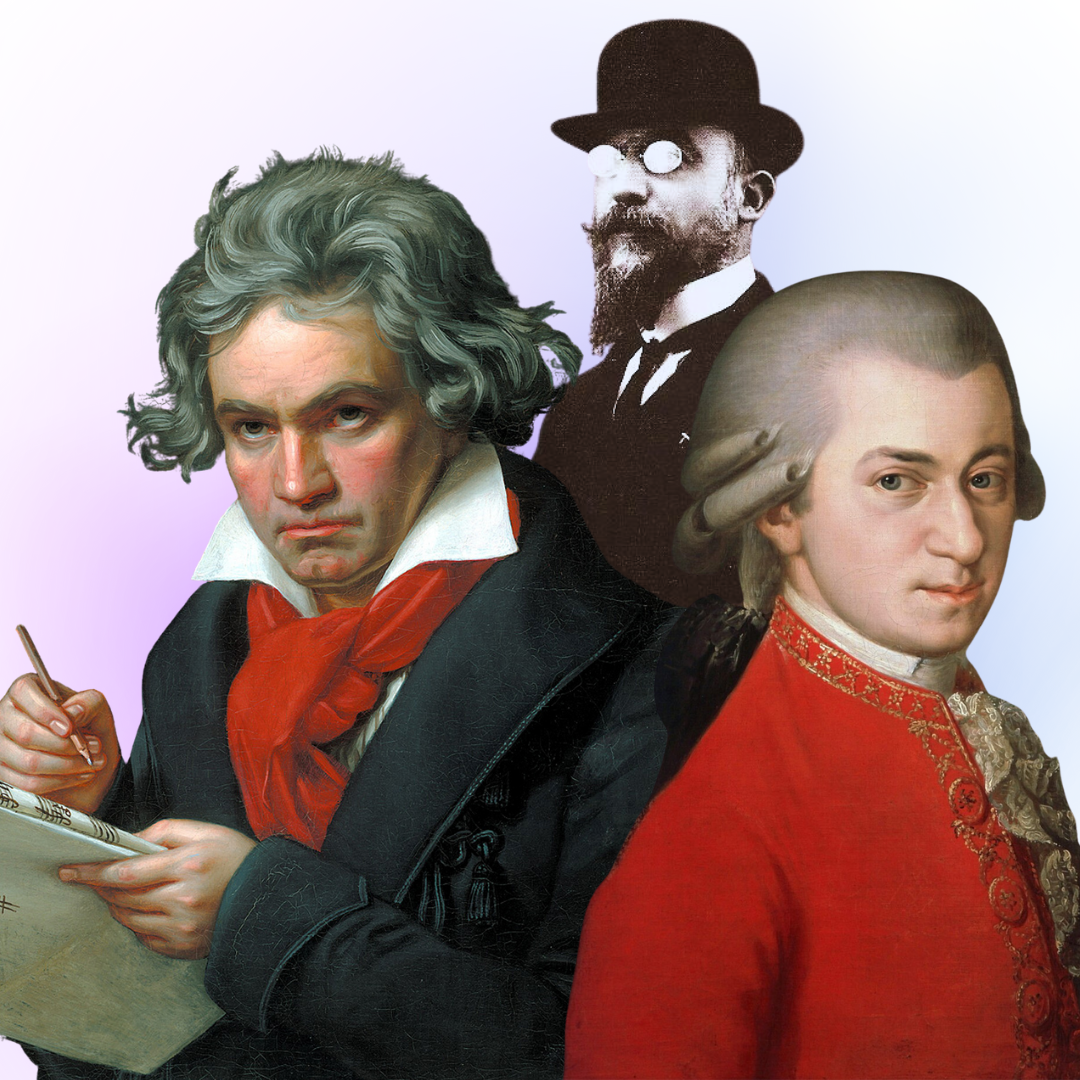
Classic
Timeless masterpieces by legendary composers such as Beethoven, Satie, and Mozart. Renowned for their elegance, precision, and emotional depth, they are ideal for honing technique and expression.
A library tailored to your needs
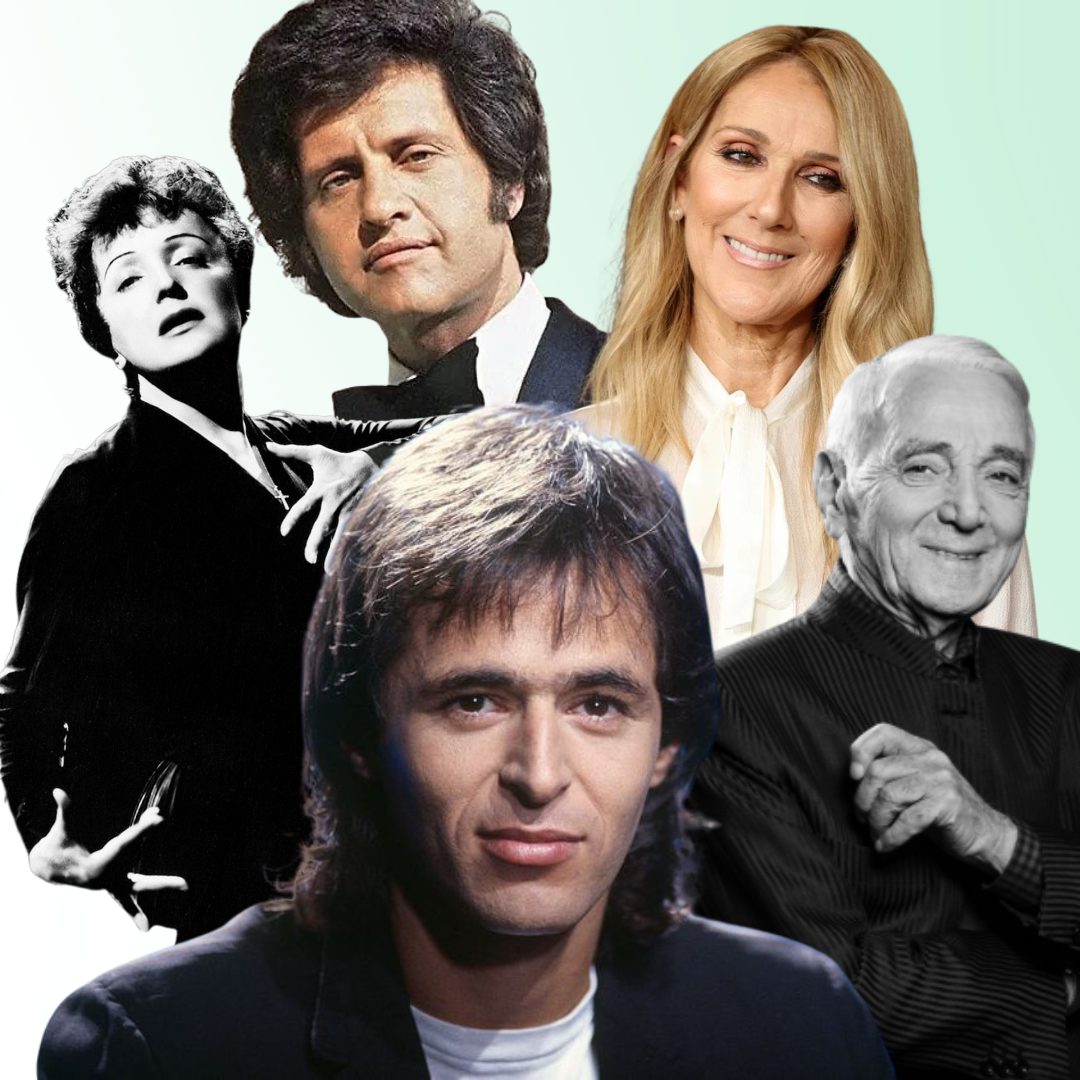
French varieties
A simple and fun way to get started! Includes nursery rhymes and beginner-friendly pieces to help young pianists build confidence and enjoy playing.
What if I want even more songs?
You can also import your own music!
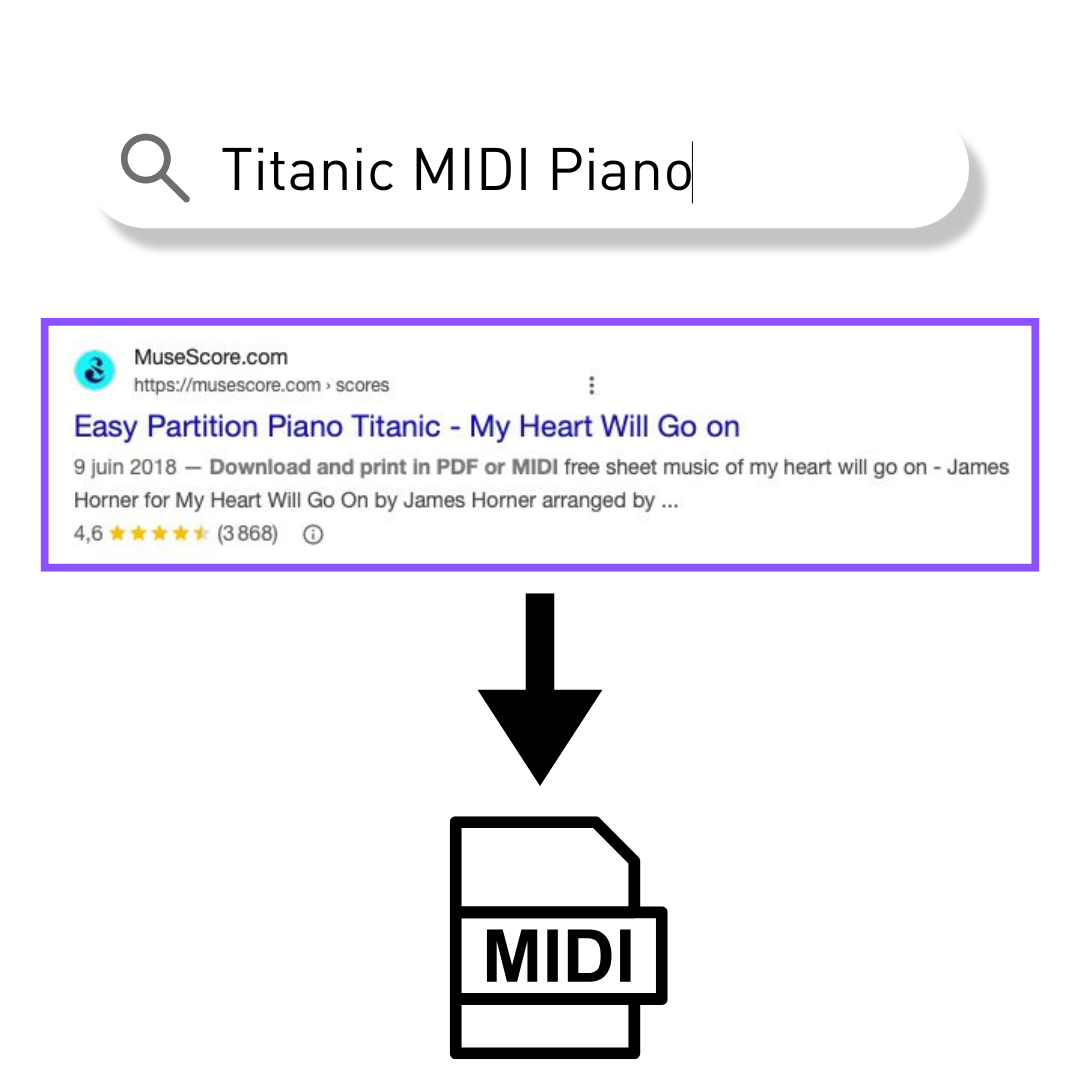
Step 1 – Find a MIDI file for piano
To get started, download a MIDI file for piano. You can find resources online such as https://www.partition-piano-gratuite.fr or Musescore.com. They offer a wide variety of files compatible with the piano.
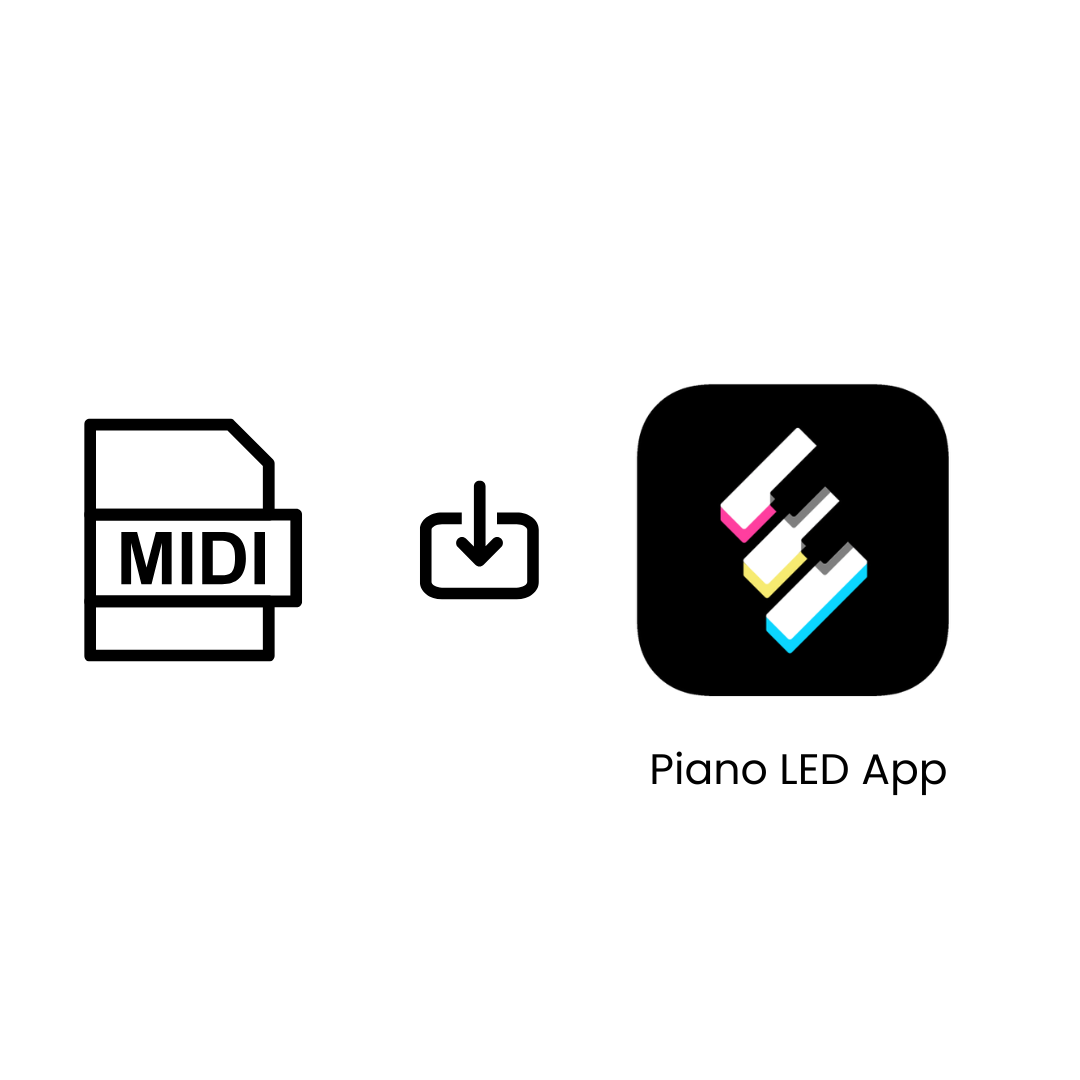
Step 2 – One-click import
In the Piano LED app, select your downloaded MIDI file, and you're ready to play. No conversion or additional tools are required.
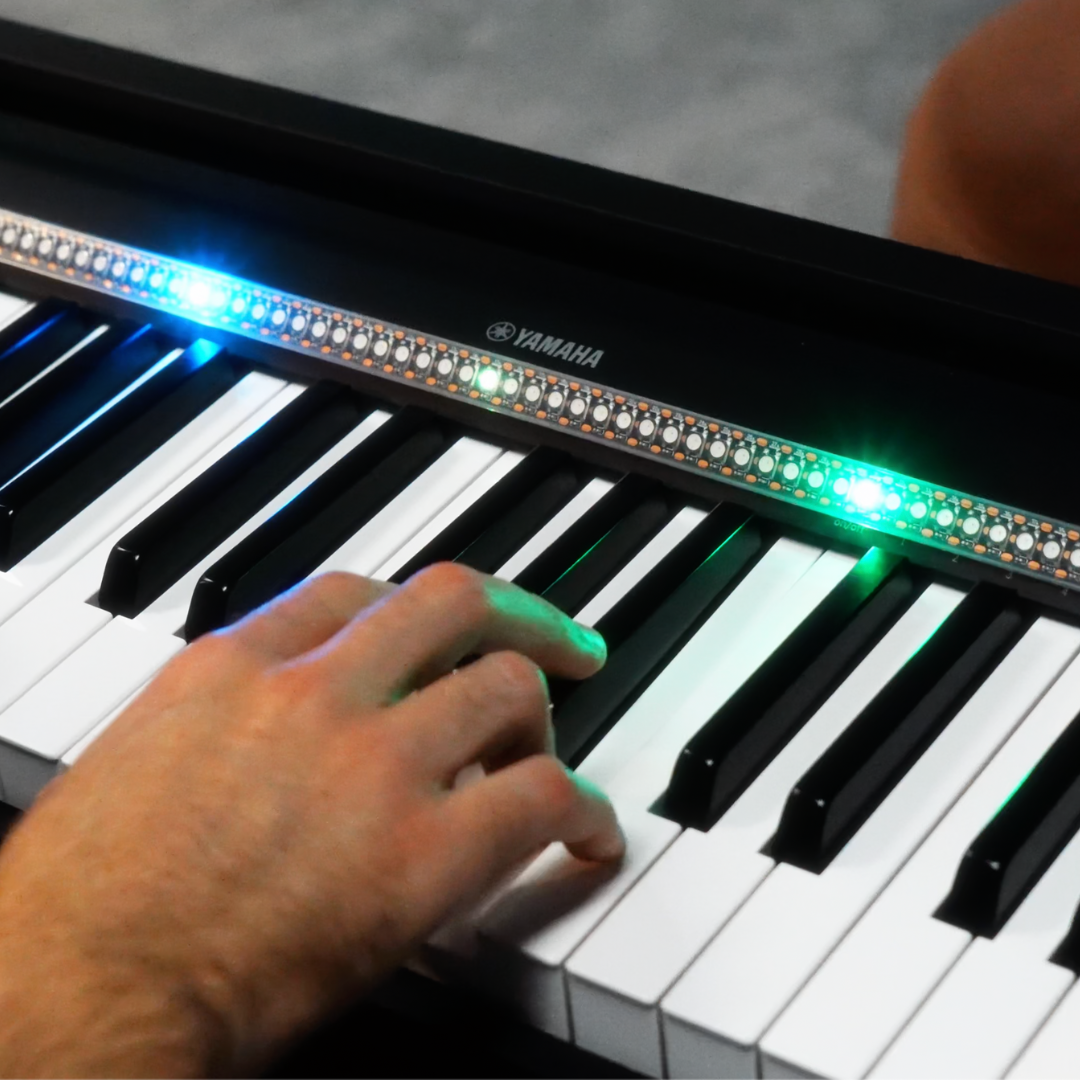
Step 3 – Have fun learning your new song
The LED piano automatically detects the parts played by the left and right hands and assigns them distinct LED colors.
Just press " Play" and follow the lights that await you.
FAQ
How difficult are the songs already available in the app?
The songs are designed for all skill levels: some are perfect for beginners, while others are more advanced. You can start with the easiest ones and progress at your own pace.
Can I adjust the speed of the song?
Yes! In the app, select "learning" mode, and the lights will wait for you to press the right keys to move forward in the song.
Does the app make a sound?
No. Piano LED focuses on light guidance. You’ll hear the sound of your own keyboard while the lights show you what to play. This allows your keyboard to accompany you as you play with one hand.
What happens if my MIDI file contains multiple instruments?
The app may not display the lights correctly if the file contains too many tracks or instruments (such as percussion, strings, etc.). We recommend using MIDI files that contain only piano, with 1 or 2 tracks.