

Note: This page shows the complete Premium Piano LED catalog (Virtuoso subscription). Your purchase already includes 50 tracks from this catalog. No subscription is required to get started - just import your own MIDI for free. Subscribe later to unlock the rest.
Music library
500+
Preloaded songs. Total freedom.
From classic masterpieces to modern hits, your LED piano comes with thousands of preloaded songs, ready to play from day one. UPDATED EVERY MONTH

A library tailored to your needs
Pop/Rock
Iconic hits from artists such as The Beatles, Coldplay, Adele and many more. Modern melodies that everyone knows, ideal for playing casually or impressing friends and family.

A library tailored to your needs
Film and TV soundtracks
Relive the magic of classics like Harry Potter, Pirates of the Caribbean and Star Wars. Play unforgettable melodies from the silver screen and your favorite TV series.

A library tailored to your needs
Classic
Timeless masterpieces by legendary composers such as Beethoven, Satie and Mozart. Perfect for elegance, precision and emotional depth, they are ideal for improving technique and expression.
A library tailored to your needs
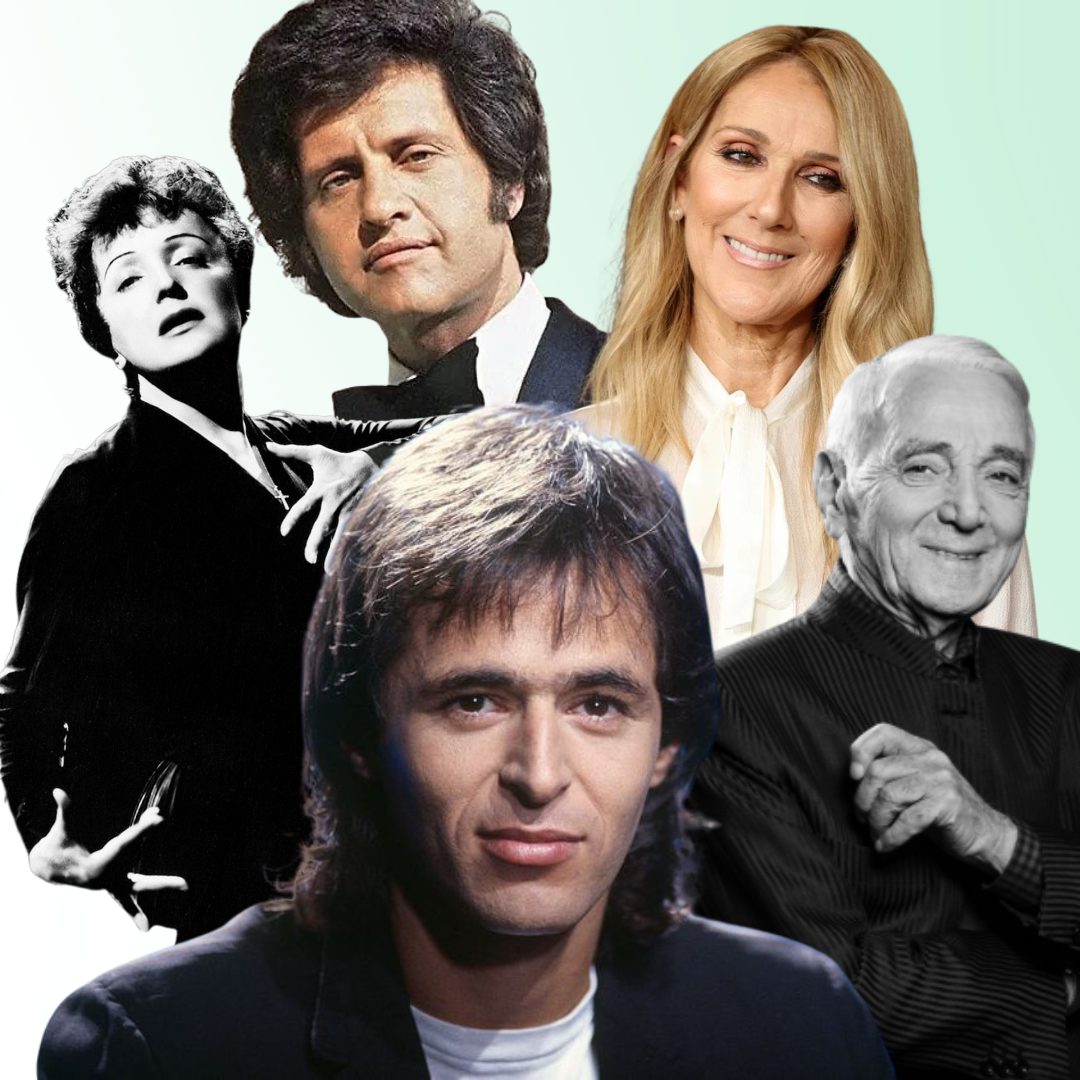
French varieties
A fun and easy way to start playing! Includes beginner-friendly rhymes and tunes to help young pianists build confidence and enjoy playing.
What if I want even more songs?
You can also import your own music!
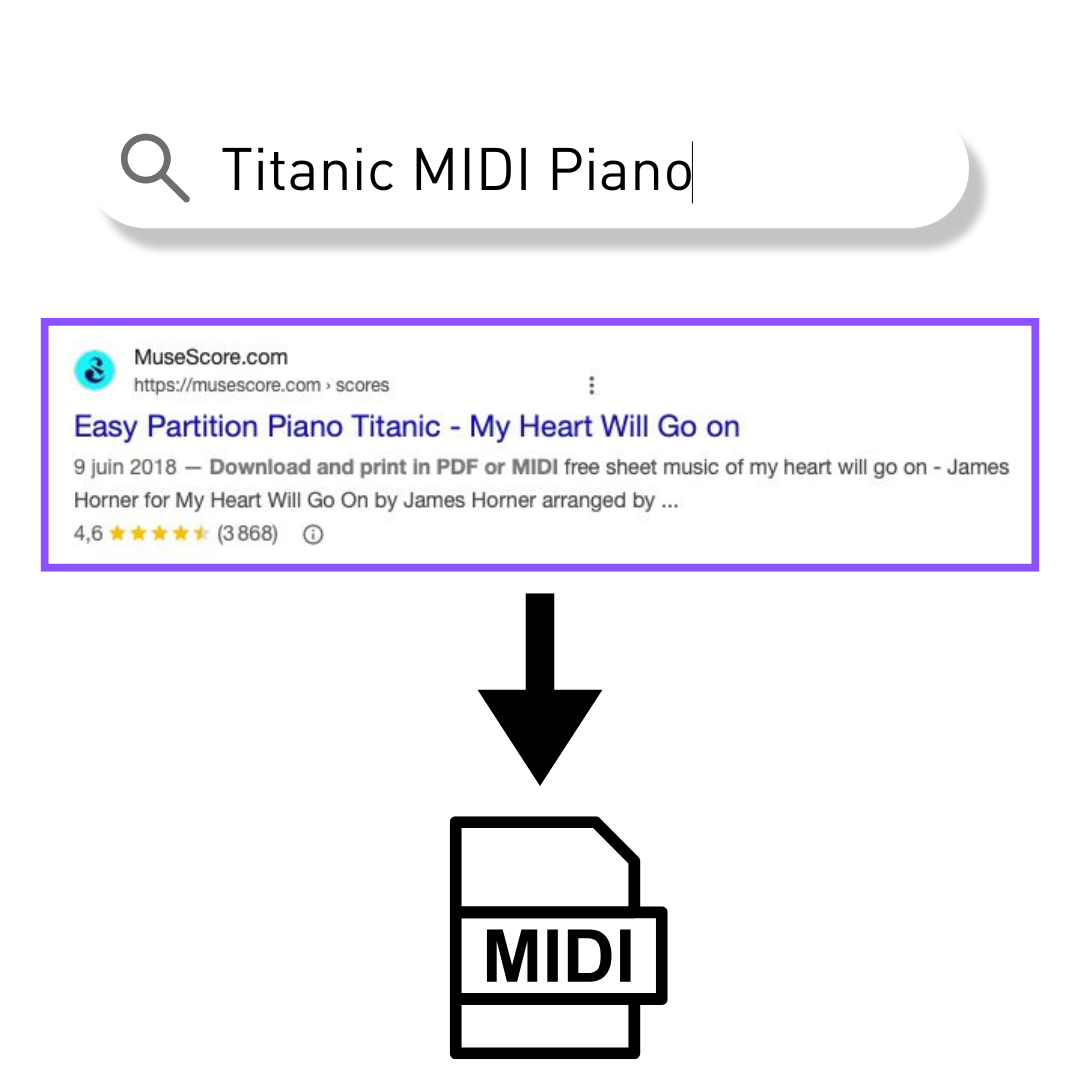
Step 1 - Find a MIDI piano file
To get started, download a MIDI piano file. You'll find online sources such as https://www.partition-piano-gratuite.fr or Musescore.com. They offer a wide range of piano-compatible files.
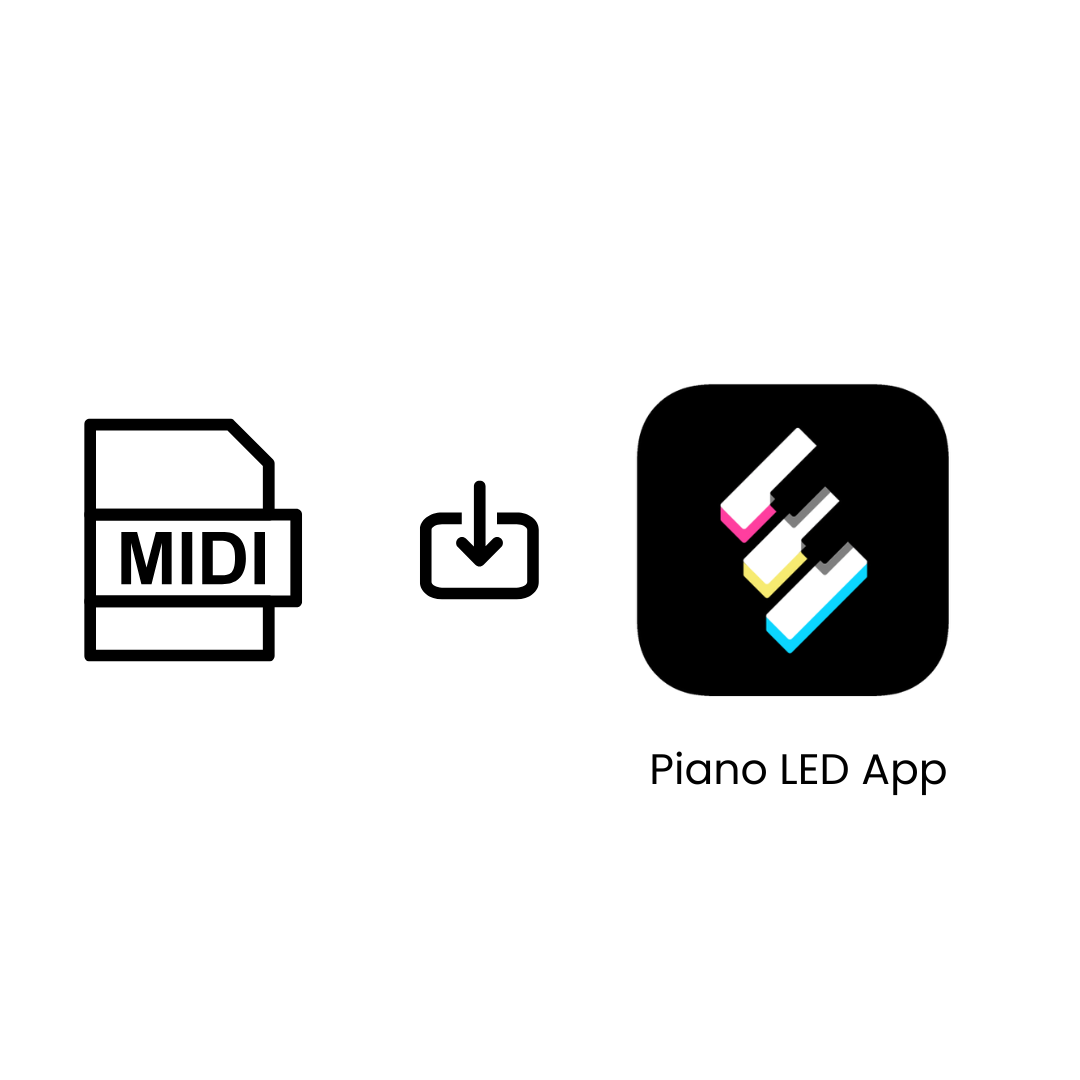
Step 2 - One-click import
In the Piano LED application, select your downloaded MIDI file, and you're ready to play. No conversion or additional tools are required.
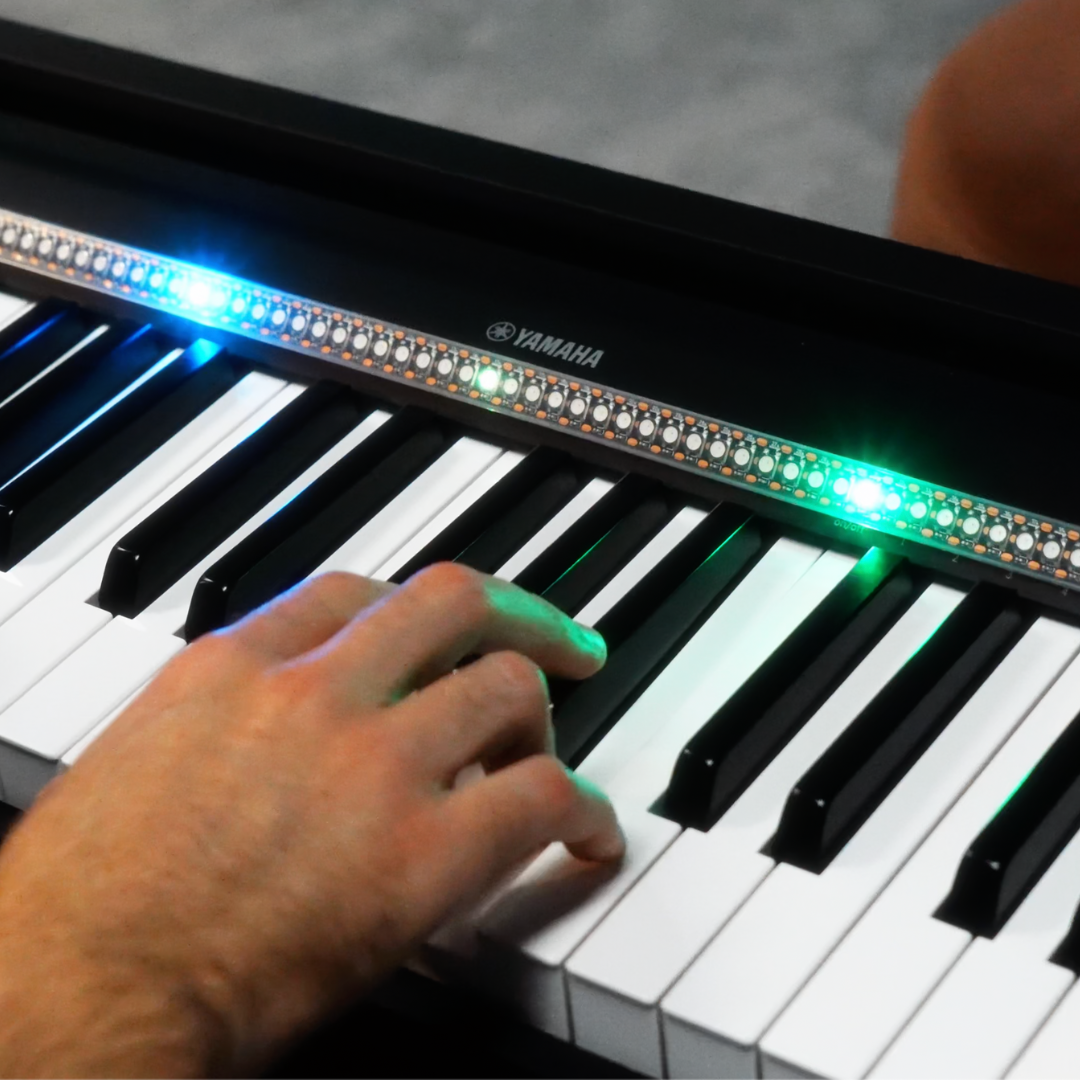
Step 3 - Enjoy learning your new song
The LED piano automatically detects the parts played by the left and right hands and assigns them distinct LED colors.
Just press " Play " and follow the lights that await you.
FAQ
What is the difficulty level of the songs already in the application?
The songs are designed for all levels: some are perfect for beginners, others are more advanced. You can start with the easy ones and progress at your own pace.
Can I adjust the song speed?
Yes! In the application, select "learning" mode and the lights will wait for you to press the right keys to advance through the song.
Does the application emit a sound?
No. Piano LED focuses on light guidance. You'll hear the sound of your own keyboard while the lights tell you what to play. This allows your keyboard to accompany you when you play with one hand.
What happens if my MIDI file contains several instruments?
The application may not display the lights correctly if the file contains too many tracks or instruments (such as percussion, strings, etc.). We recommend choosing MIDI files containing only piano, with 1 or 2 tracks.